- Go to our website https://jemputan.me
- Click the menu button
 on the top bar and click Login/Register button.
 - The pop up below will appear.

- For new user, click “Sign in with Google” or “Register Now” button.
- For Sign in with Google, use your Gmail username to sign in.
- For Register Now option, please fill in the information required below to create a new account.

How to Set Up Your Account
 on the top bar and click Login/Register button.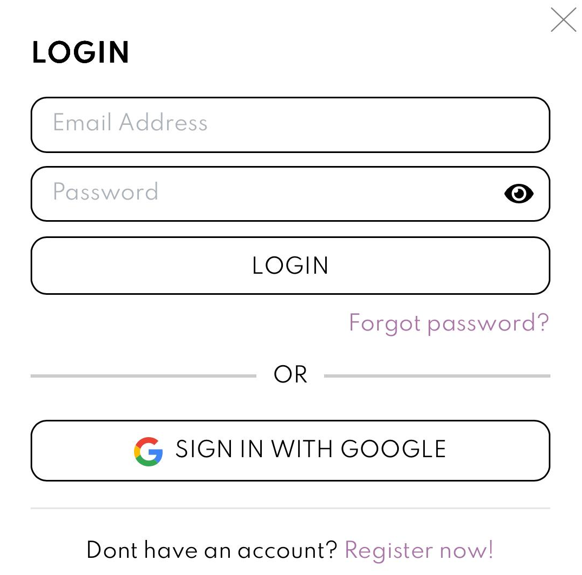

Comments
7 responses to “How to Set Up Your Account”
[…] Sign Up Or Log in to your account in Jemputan. […]

Hi.. once paid, can i still edit?
Hi, yes you still can edit for unlimited time within 6 months
Hi for wedding that combine both family couple in 1 event, prefer to purchase 2 cards or can just edit and generate with different details & different link?
Hi Afiqah,
Kindly refer to below tutorial for your enquiry. Thank you!
https://blog.jemputan.me/how-to-fit-multiple-organizer-in-one-invite/
hi if i have 2 events different date so i made 2 purchase isit?
Hi Khalis,
Yes, you need to purchase 2 cards for 2 different events


Leave a Reply