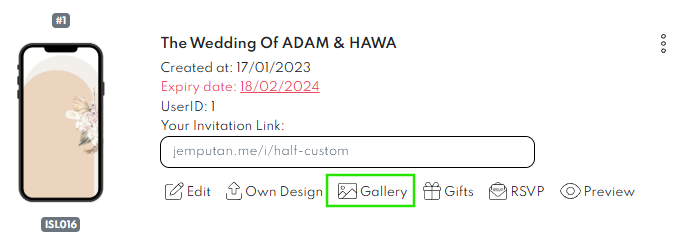
- Log in to Jemputan. Go to orders. Click Gallery.

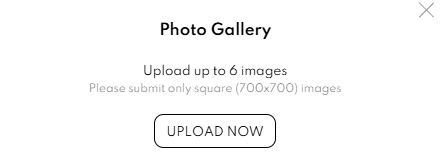
- Below pop-up window will appear. Click UPLOAD NOW button.

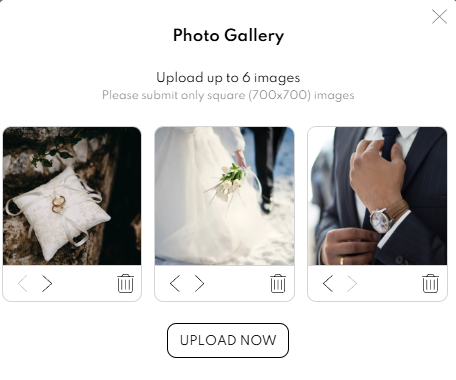
- You can upload up to 6 image in Gallery. Once image is uploaded, your Gallery feature will be shown as per image below.

- You can delete any image by clicking the delete
 button.
 - You can preview your Gallery by clicking preview button in your card.

- Below is a preview of uploaded pictures in your card.

 button.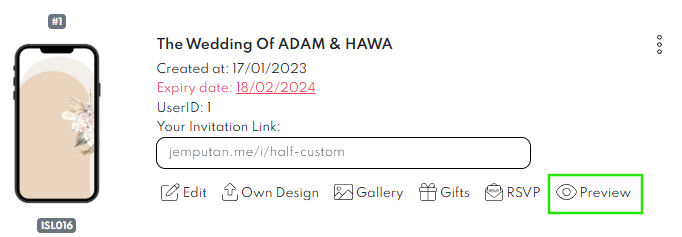

Leave a Reply