Google Maps
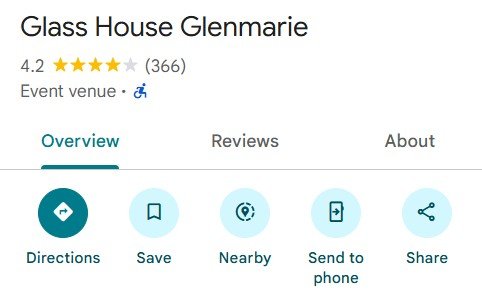
- Open Google Maps Application in your device, and search your event location.
- Click Share button in Google Maps.

- Next, below pop-up window will appear. Click COPY LINK.

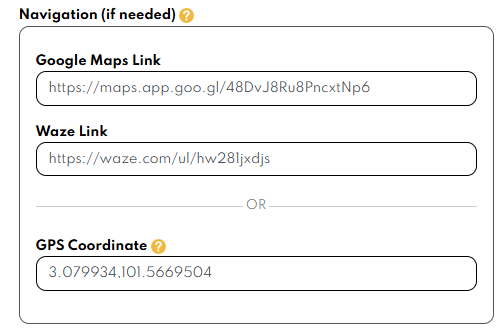
- Go to page 4 (Venue & Navigation), paste the link in Navigation section (Google Maps link).


Waze
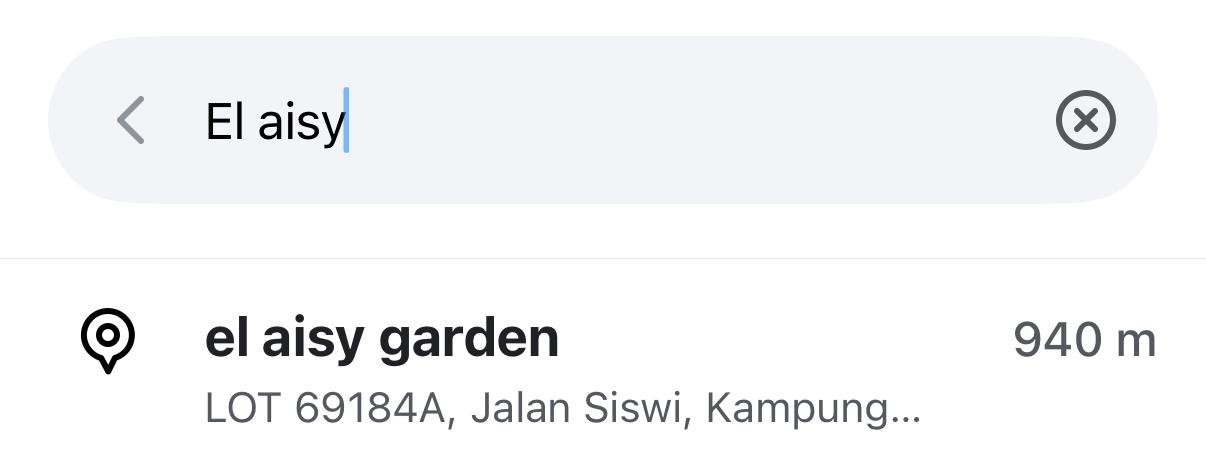
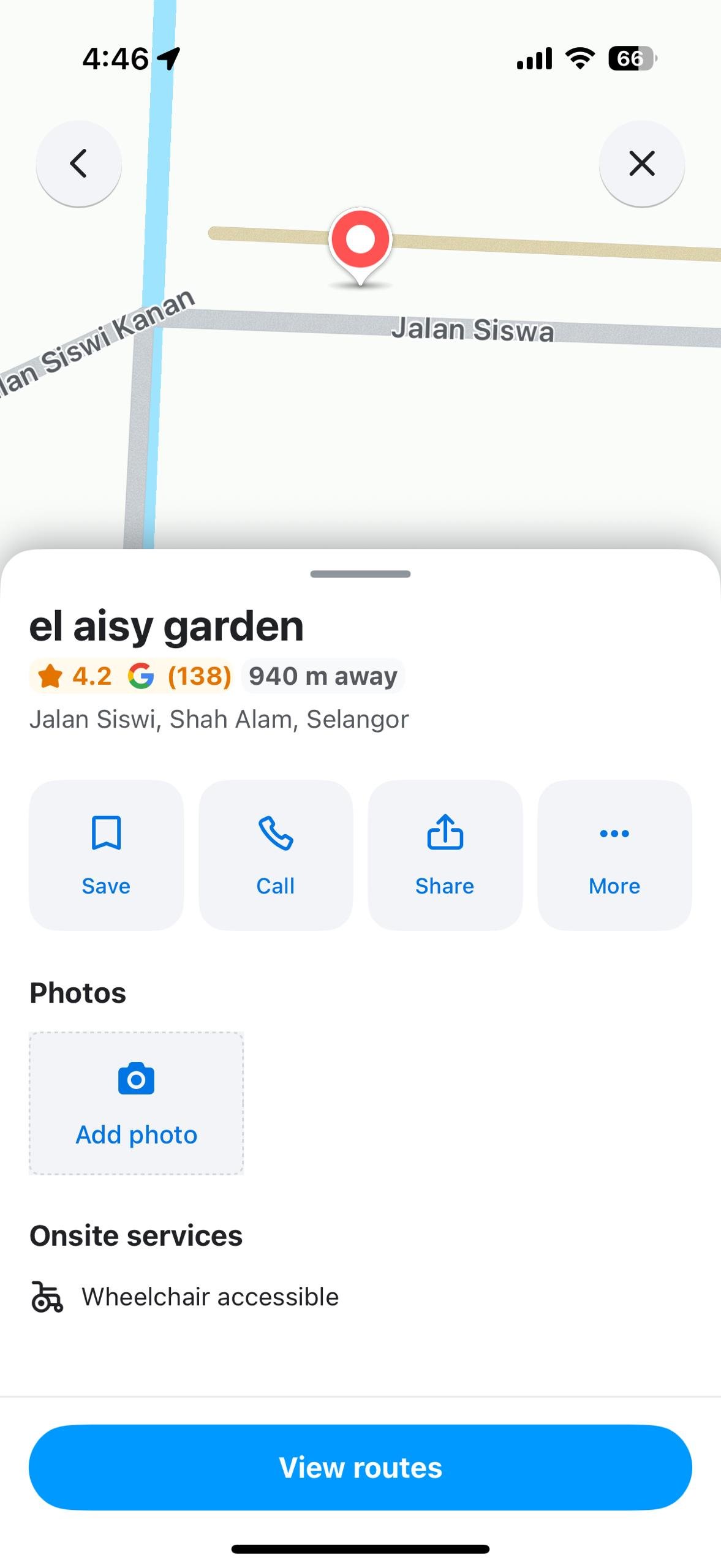
- Open Waze application, and search your event location.

- Click the suggested location, and click Share button.

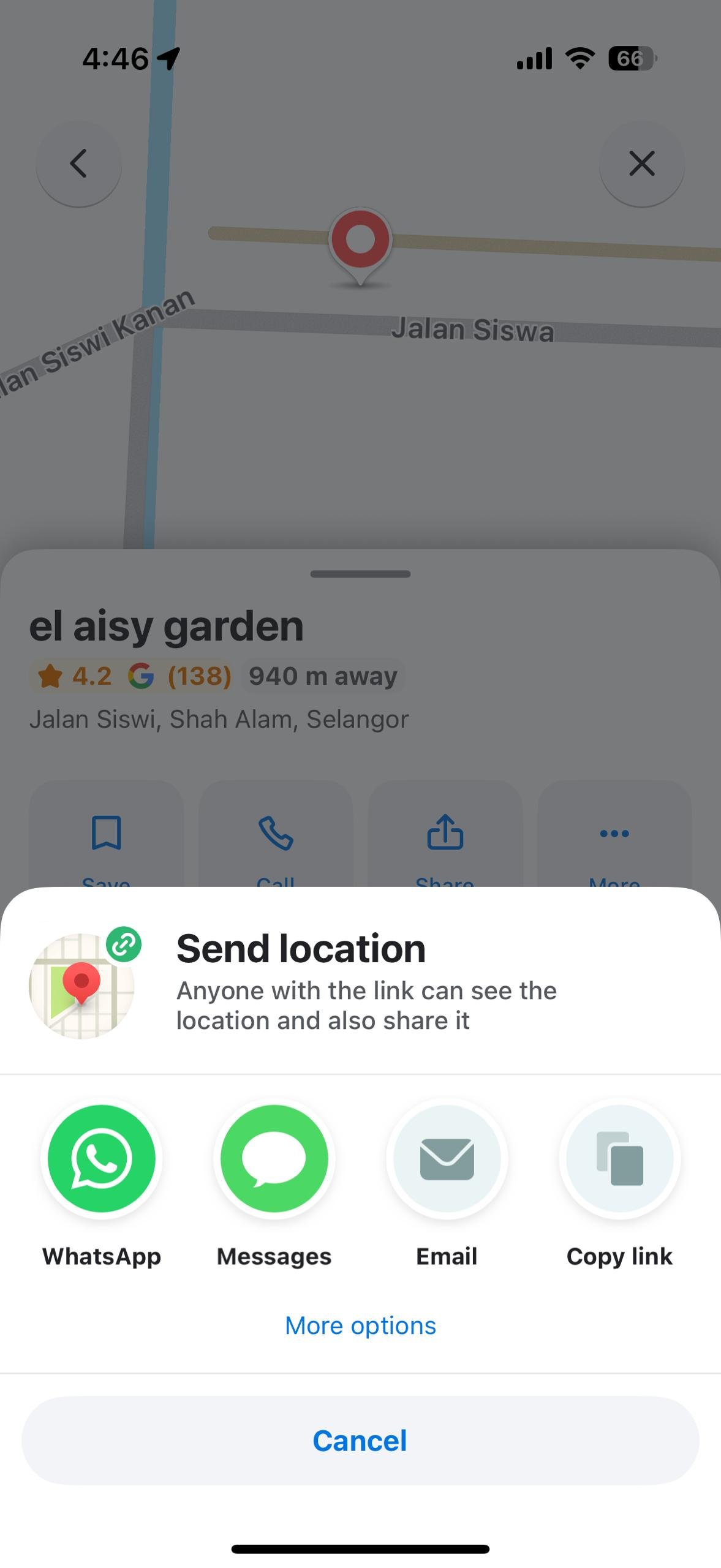
- Next, below pop- up window will appear, and click Whatsapp icon button.
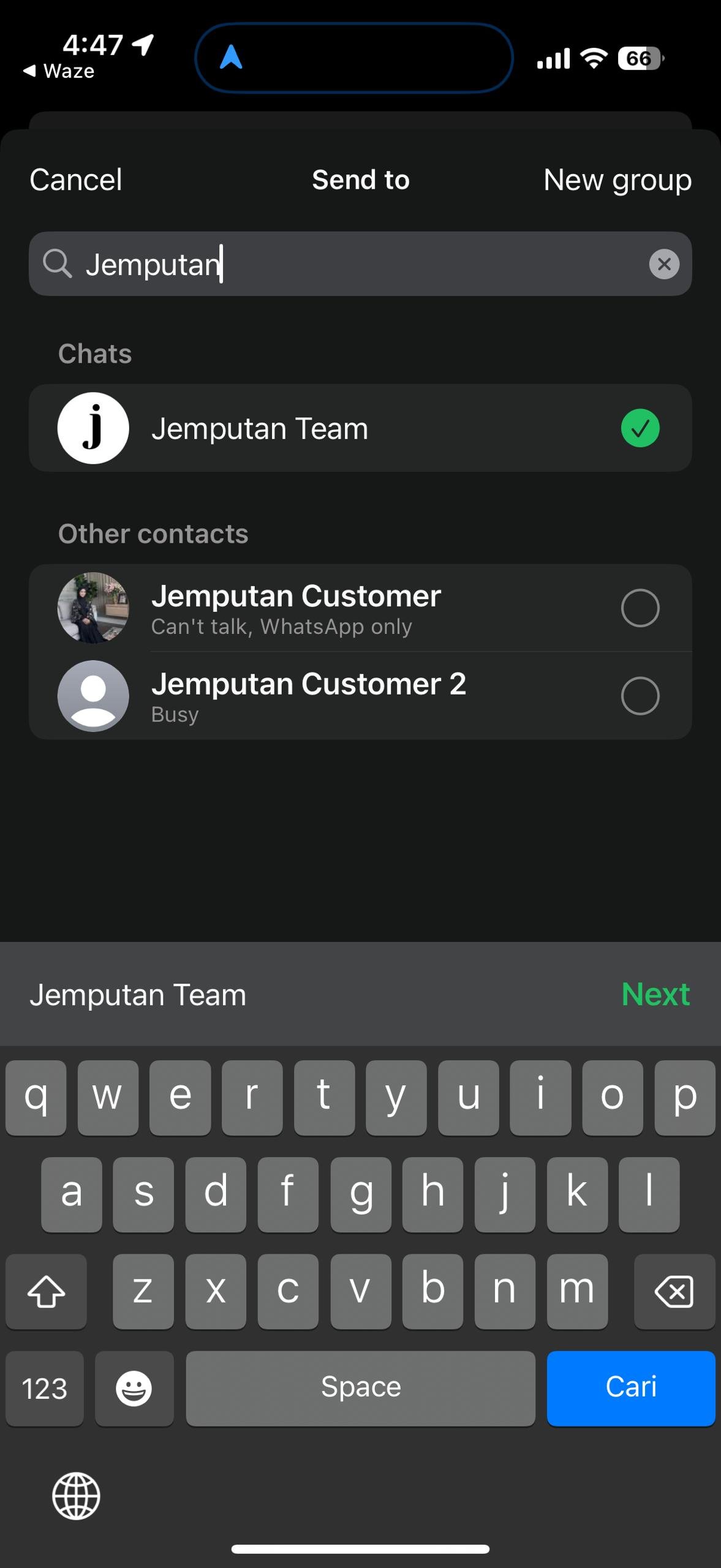
- Next, you will be redirected to Whatsapp application. Send the location to your acquaintance or to yourself (You). Click Next button.
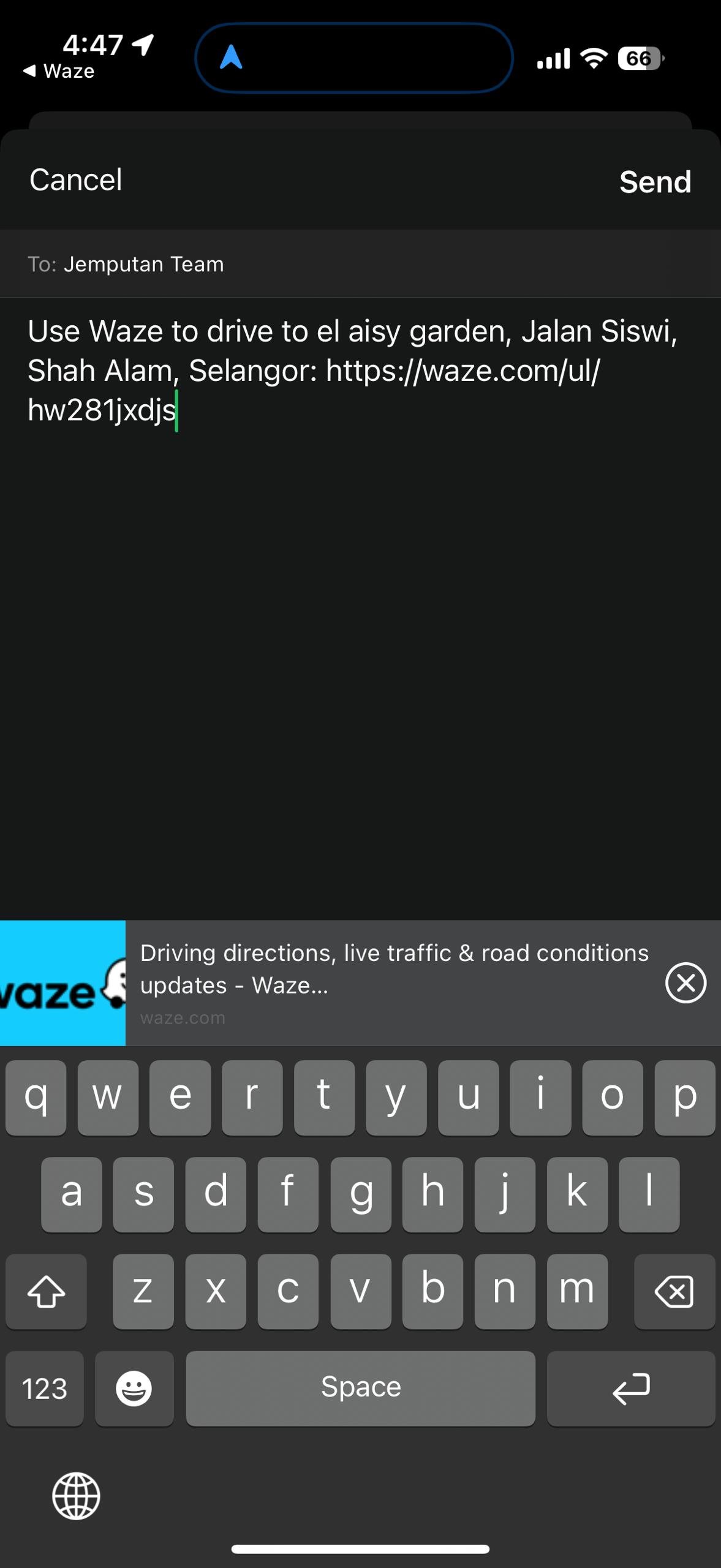
- Next, click “Send”.
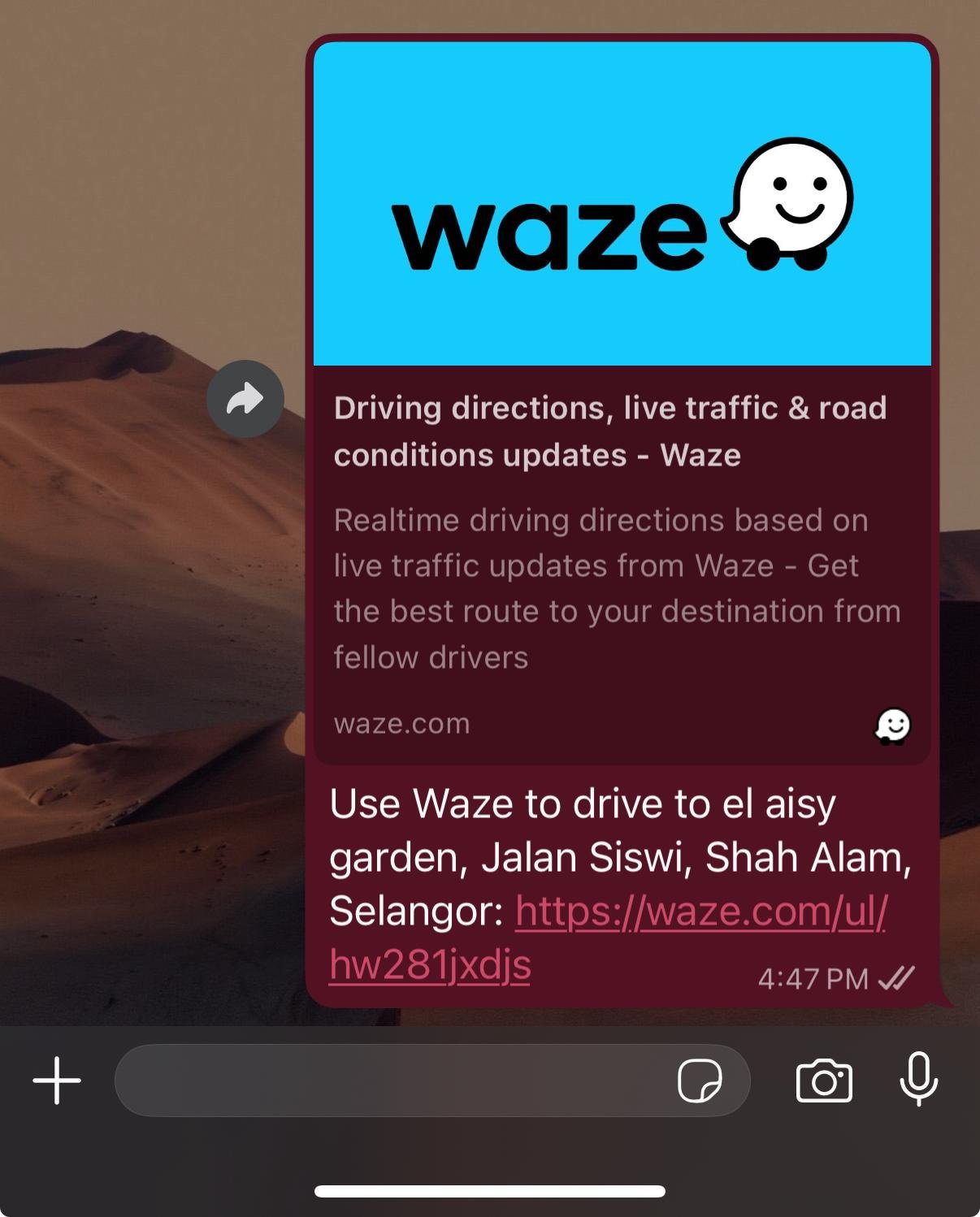
- Below text will appear. Copy the link in this text.

- Go to page 4 (Venue & Navigation), paste the link in Navigation section (Waze link).
- Click Save button
 and proceed to next page.
 and proceed to next page.
Leave a Reply